Your website’s WhatsApp button won’t answer itself
The green button sends customers to a chat nobody answers at 9 p.m. What you can fix in an afternoon so you stop losing them.
November 11, 2026Last updated November 11, 2026
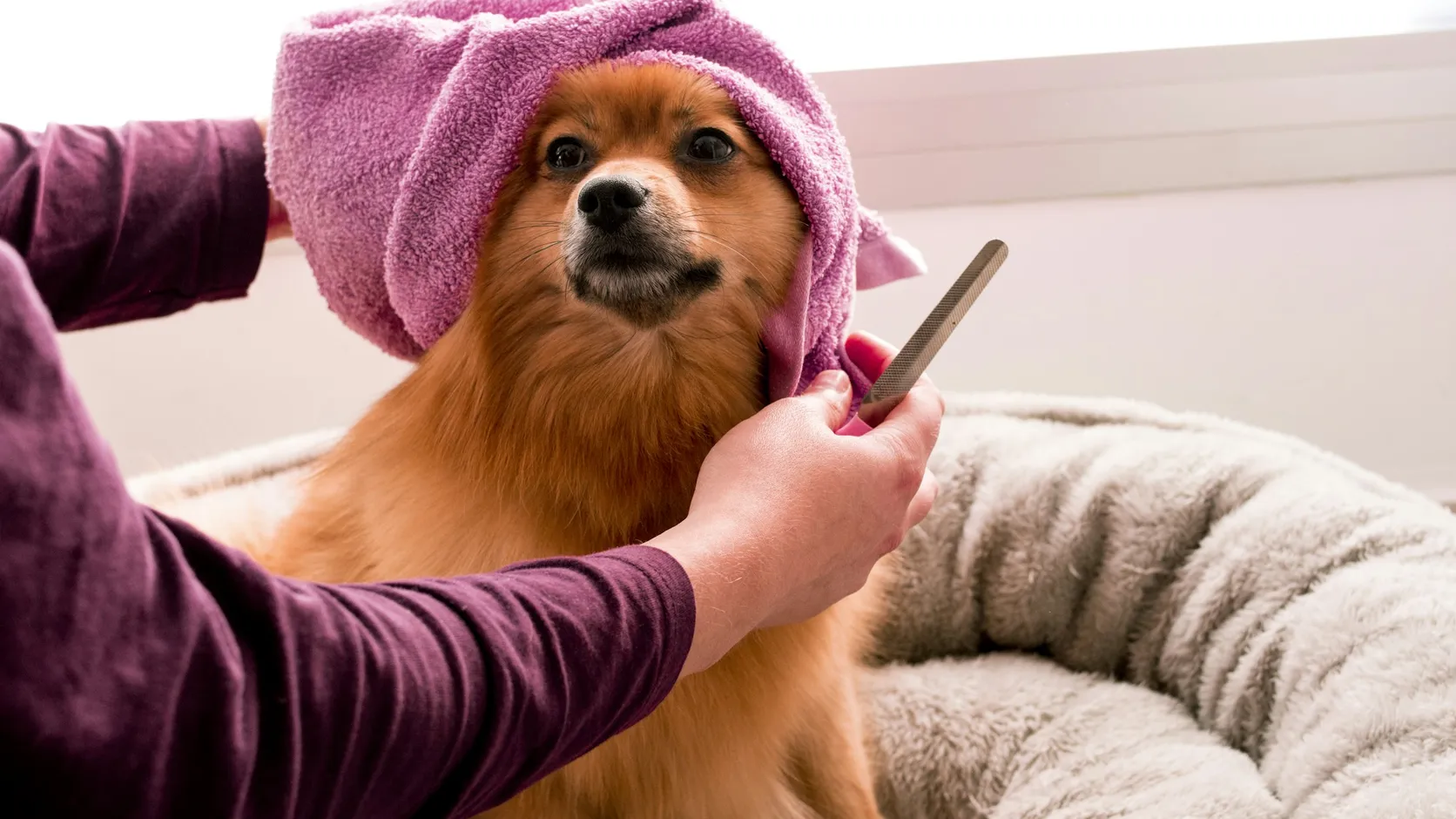
It’s 9:12 p.m. A woman opens a dog groomer’s website on her phone, sees the green button in the corner and types: “Hi, how much is a bath for a schnauzer?” The owner is having dinner and the business phone is charging by the register. The next morning, when she finally replies, the woman has booked somewhere else and the schnauzer is already clean.
The groomer is made up. The green button that leads to an empty chat is on a great many websites in Mexico, and it makes sense that it’s there, because that’s where people want to talk. The problem is that we put it there as if the button were the one answering.
The button moves where your customer waits
A WhatsApp button works wonderfully when someone is on the other end. The rest of the day it does something quieter: it moves the wait from your site to your chat. The schnauzer’s owner waited just as long, only on a different screen, watching two gray check marks.
And when everything runs through the chat, every simple question depends on someone having the phone in hand. Hours, prices, the address. Things nobody should have to ask.
Let the app answer what it can
The free WhatsApp Business app includes an away message that goes out on its own outside your hours. To set it that way, you first need to add your hours to your business profile (WhatsApp help). With that, the woman would have received a friendly message at 9:12 with your hours and a link to your prices. Maybe she’d have booked right there.
You can also save quick replies for the things you answer twenty times a day. Type a slash in the chat and they appear. It’s the closest thing to cloning yourself available right now.
Start the chat with context
The button on your site can open the chat with a message already typed. WhatsApp calls it click to chat. If the button on the grooming page opens with “Hi, I’d like to book a bath” and the one on the boarding page with “Hi, I have a question about boarding,” whoever answers knows what it’s about before the second message. And you know which page the customer came from without installing anything.
Let the site answer before the chat does
Count what you get asked most. It’s usually the same: when you’re open, what it costs, where you are, how to book. All of that should be written on your site, in plain view, without downloading a PDF or sitting through a 40-second video.
If your prices depend on the dog, publish a “from” price. Nobody expects the exact price of bathing a Saint Bernard. They do want to know whether it’s in their budget before they write.
That leaves the chat for what actually needs a person. And because those answers are on your site, Google and AI bots can read them too. Nobody reads your WhatsApp chat but you.
If you want to look at how people get from your site to your WhatsApp and what gets lost on the way, book a free 30-minute call.