Why your menu belongs on your website as real text
A photo or scanned PDF of your menu is hard for search engines, AI bots and phones. Why a real-text menu on your own site works better, with one café as the example.
November 12, 2026Last updated November 12, 2026
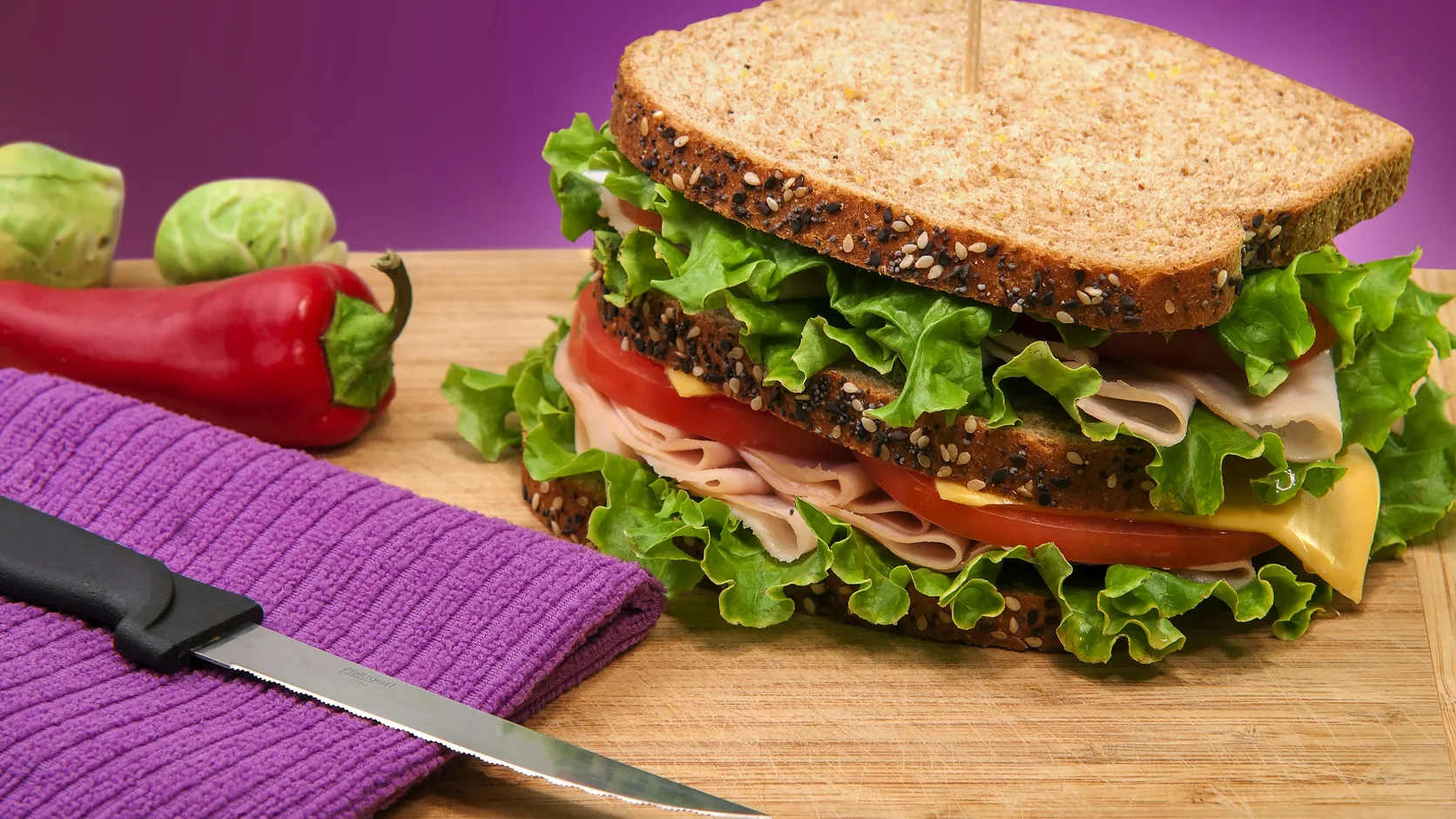
At 12:40, someone types “focaccia sandwich near me” with fifteen minutes left of their lunch break. Your focaccia is the best in the neighborhood. Your menu is a photo of the printed menu, taken at a slight angle, with a thumb in the corner. Search engines have a hard time knowing what’s on it, and the person who wants a sandwich doesn’t have the patience to zoom.
So they pick the place two doors down, whose menu they can actually read. The sandwich is worse. They’ll never know.
A photo of text is still a picture
You can read a photographed menu. Search engines, AI bots and screen readers have a much harder time. The web’s accessibility guidelines say it plainly: when you can show something as real text, use text instead of an image of text. A PDF scanned from paper has the same problem, with a slower download on top.
The same guidelines explain why. People can’t change how text looks inside an image. Someone who needs bigger letters, more contrast or a different font gets whatever the photo gives them, which is usually glare from the laminated sheet and a thumb.
The PDF has its own small cruelties. On a phone it opens in a separate viewer, often as a download, at a size meant for paper. The visitor pinches, scrolls sideways, loses the prices column and goes back to the search results. Usually it’s the file the print shop sent, uploaded as is.
What a hungry person can do with it
Real text can be searched, translated with one tap, enlarged without blurring and copied into a message to the friend you’re meeting.
Each of those matters to someone. A tourist who reads Spanish slowly can have the browser translate the whole menu. A customer with a nut allergy can search the page for “walnut” instead of reading every line. An office manager ordering lunch for eight can copy three items into the group chat and ask who wants what. None of that works with a photo.
Real text also behaves on any screen. It wraps to fit a small phone, gets larger when someone has set big text on their device and stays sharp at any size.
What it looked like for one café
When we started working with Masa Viva, a café and sandwich shop, its menu lived in printed PDFs and delivery apps. One of those apps described it as a corn and tortilla kitchen, which is a bold summary of a place built around sourdough.
That mix-up is a good example of what happens when you don’t publish your own menu. Other sites fill the gap with whatever they have, and some of what they have is wrong. Masa Viva’s Google profile had never been claimed, either, so there was no listing the owners controlled.
Now the whole menu is on the site as real text with prices, in Spanish and English, easy to read on a phone. Spicy dishes carry a small chili and anything with nuts is marked, down to the cashews in the pesto. Ordering is one button away: pickup is the only button in the header, and each way of ordering opens WhatsApp with the message already written. The delivery apps are still there, a little lower, for anyone who wants delivery.
Writing the menu for machines, too
There’s a second layer to a good menu page that visitors never see. The Masa Viva menu is also written into the page as structured data, so search engines and AI bots can read every dish and every price.
Structured data is a standard way of labeling information so software understands it. Schema.org, the shared vocabulary search engines use for this, has a type called Menu, defined as a structured representation of the food and drinks a place serves. Each dish becomes a labeled item with a name, a description and a price. A person sees a normal menu. A search engine sees a list of dishes and prices it can read.
This is also how AI bots answer questions like “where can I get a vegetarian sandwich near here.” They can only recommend dishes they can read. We wrote more about that in our piece on what AI bots read.
Point your Google listing at your own menu
If your most complete menu is on a delivery app, that’s the one people see, at the app’s prices. With your menu on your own site, you can point your Google listing to it. We covered the rest of the listing in our piece on fixing your Google listing.
Google also lets food and drink businesses add their dishes directly to the profile. Its help page says customers then find those items listed under “Menu”, with descriptions and prices. It’s worth doing, as long as it matches your website. Two menus with two different prices for the same sandwich is how arguments at the counter start.
Whichever route you use, the source should be one menu that you control. Update it there first, then copy the change everywhere else.
Delivery apps still have a place in this. Plenty of people want delivery, and the apps bring customers who would never have found you otherwise. Masa Viva kept theirs, a little lower on the page. The difference is which menu counts as the real one. When the app is your only menu online, its description, its photos and its prices become the version of you that search engines and AI bots repeat. When your own site has the complete menu, the app becomes one more place to order.
What we see on most restaurant sites
Most restaurant websites have a menu. The trouble is usually in how it got there. A few patterns come up again and again:
- The menu is a PDF from two price increases ago, and the server has to apologize at the register.
- The prices are missing, so visitors assume they’re high and go somewhere that shows them.
- There’s a separate breakfast menu, lunch menu and drinks menu, each a different file with a different design.
- The menu lives only on Instagram, in a story highlight that takes six taps to reach.
- Allergens and spice levels are explained only by asking the staff, which is hard to do from your desk at 12:40.
If two or more of these sound familiar, your menu page is probably costing you some lunches. For the Instagram problem, we wrote a separate piece.
A menu page only works if it’s right
Prices change, a dish runs out for the season, the new pastry arrives. Set up the menu so someone at the café can change a price in a minute, without sending a new photo to a designer.
When you talk to whoever builds your site, ask how a menu change actually happens. Who on your team will do it? Do they edit a simple list of dishes and prices, or do they need to touch the page layout? Can they mark a dish as sold out for the week without deleting it? Does the structured data update on its own when they change a price? If the answers involve a developer, the menu will drift out of date, because nobody emails a developer about a sandwich.
Ask the same person to show you the menu on a phone before launch, with your actual dishes in it. A long menu with real names and real prices looks different from the sample in the design file. Long dish names wrap onto two lines, a price runs into a description, a section turns out to have twenty items. Better to find that on a Tuesday before launch than from a customer.
If your menu still lives in a photo and you’d like it working for you instead, book a 30-minute call and we’ll look at where your menu lives today.